Podcast SEO in 2026: How Listeners Find Your Show – PCI 471


 Apple Podcasts
  TuneIn
  Deezer
  Paypal
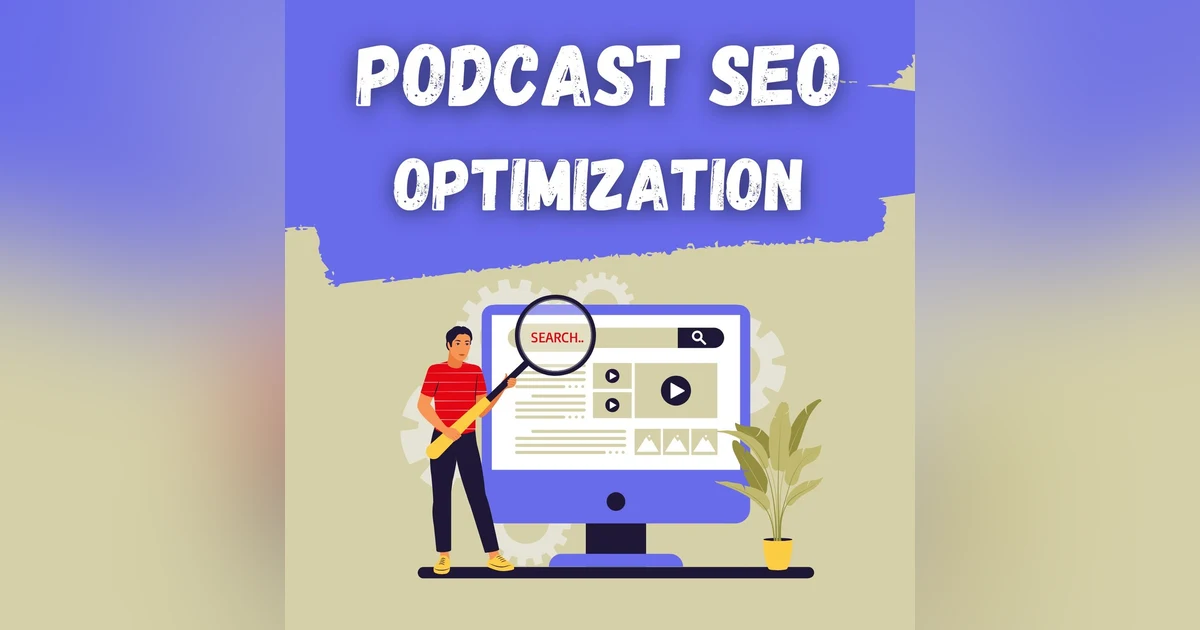
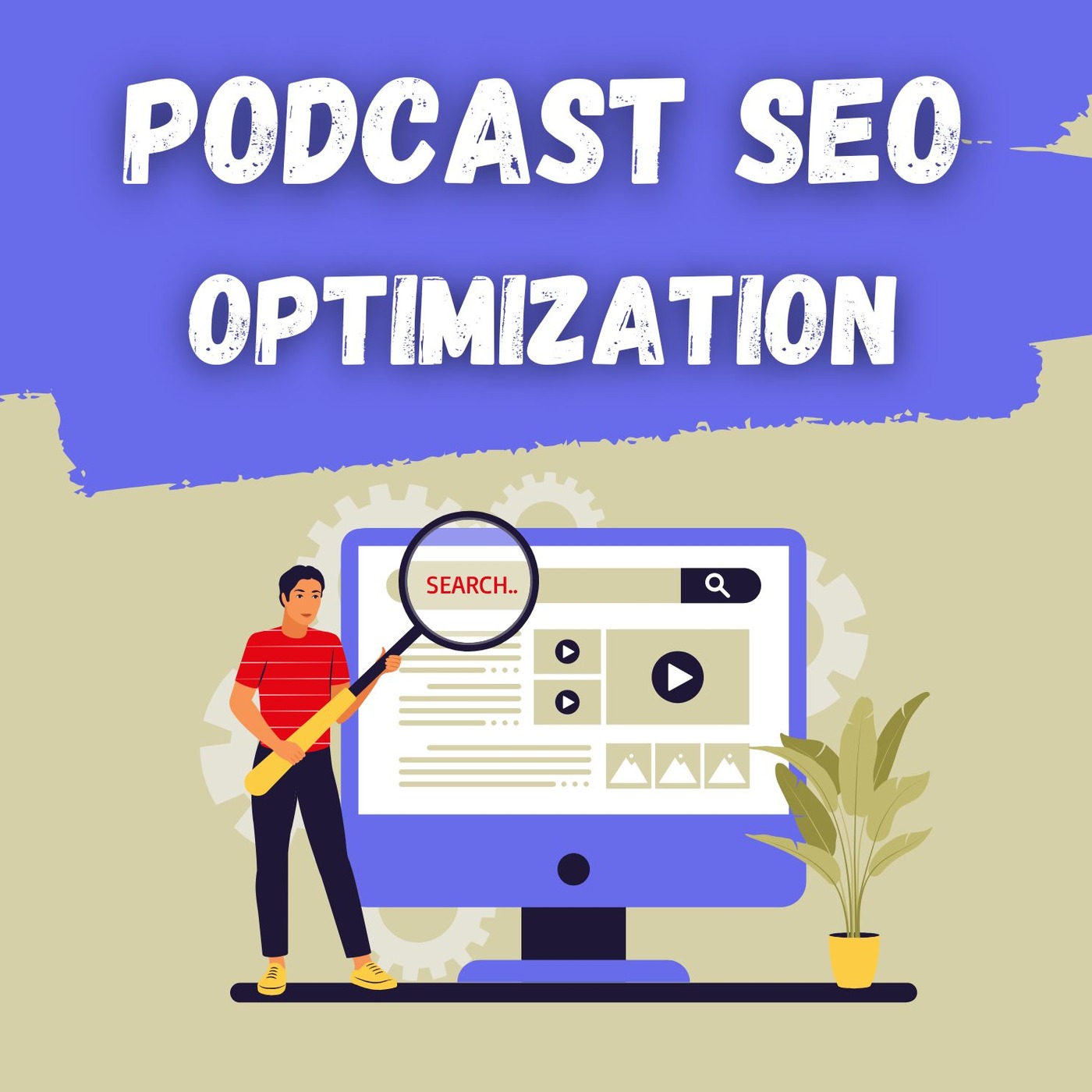
 🔍 Podcast SEO in 2026: How Listeners Find Your Show
 Podcast SEO still matters in 2026, but it’s no longer about gaming algorithms. It’s about clarity, structure, and helping the right listeners find your content across search engines and podcast platforms like Apple Podcasts and Spotify.
In this episode of Podcast Insider, we break down what actually moves the needle when it comes to podcast discoverability.
🎧 Podcast SEO Basics (Quick Version)
Podcast SEO works because platforms rely on written context, not audio alone. That means:
- Clear show and episode titles
- Descriptive show notes
- Clean, accurate RSS feeds
- Transcripts when possible
Each episode should stand on its own as searchable content.
🧠 Keywords, Titles & Show Notes
- Focus on real listener questions and topics
- Use natural language, not keyword stuffing
- Front-load clarity in episode titles
- Use the first lines of show notes to explain the episode clearly
- Break descriptions into short sections or bullets
📝 Transcripts & Your Website
- Transcripts improve accessibility and search visibility
- A dedicated podcast page gives you full SEO control
- Fast load times, mobile-friendly design, and embedded players all help
📡 Platforms, Reviews & Promotion
- Keep your RSS feed clean and up to date
- Choose accurate categories
- Encourage ratings, reviews, and shares
- Repurpose episodes across blogs, email, and social media
📊 Keep Improving
- Track downloads and listener behavior
- Review which episodes get discovered most
- Refresh older titles and descriptions when needed
Podcast SEO is ongoing—but small improvements add up.
For the best support, please use our Blubrry ticket system so our full team can help. Join the Blubrry Podcasting Facebook Group for general podcasting discussion.
Share your feedback at surveys.blubrry.com/podcastinsider.
Blubrry hosting customers can schedule a one-on-one tech checkup with Mike (mike@blubrry.com)
0:00 I'm Mike Dell, VP of customer relations here at Blueberry. And I'm Todd Cochran, CEO and founder of Blueberry. Today, we're gonna talk about video podcasting. Not the YouTube style, but the RSS delivered video that has been around since the beginning of podcasting. You're listening to Podcast Insider hosted by Mike Dell, Todd Cochran, and Mackenzie Bennett from the Blueberry team, bringing you weekly insights, advice, and insider tips and tricks to help you start, grow, and thrive through podcasting, all with the support of your team here at Blueberry Podcasting. Welcome. Let's dive in.
0:44 Yes. You can do video podcasts. And and here at Blueberry, since day one, we have supported video podcasting. And, again, that's via the RSS feed. There are other forms so so called nowadays. So but, we we definitely have supported it from day one, and it's been a thing since day one. But a lot of people are talking about it now. And when it comes to podcasting in general, you know, a video podcast is really not that much harder to publish in an RSS feed than audio is. The only really difference is is you uploaded m p four, the best format for video podcasts, and the rest is the same.
1:25 But, of course, on the production side, it's it's a bit more complex and doing a video podcast via RSS is truly more cancel proof. It's got the same cancel proof attributes as audio does. And, basically, you're you can't be taken down for anything that you say or your platform or your channel isn't demonetized or delisted or whatever may happen. But it also allows you to distribute to more than one platform. So I think today, what we wanna do is talk a little bit about some of the technical stuff and content preparation. We don't wanna get too deep into this because there's, you know, really a couple of ways to skin a cat here when it comes to doing, video podcast. Personally, you know, I do a live show and that live show turns into a video podcast. Some people do something that's prerecorded and then edited.
2:21 So, again, it'll depend on your methodology of recording. But in the end, you you are gonna need a little more equipment to do a good video podcast. I will say this before we really get into this technicality. Audiences will forgive you for bad video, but they will not forgive you for bad audio. So long as you have the audio chain really kinda nailed, the video can be lagging a little bit in quality. But the way things are today, we wanna come up with the best product possible. You know, I worked for a TV station at one point, and, they had only four states of audio. Either it's on or it's not or it's humming or it's not. And they didn't really care that much. So, you know, if you notice on your local news, a lot of times the audio is a little bit flaky. So don't do that.
3:14 You know, make sure your audio is decent. Yeah. So from a technical setup, you know, really, you should have a good camera. And in the camera can be a webcam, but make sure it's a good webcam. There's a few out there. Of course, if you have a Mac, you probably kind of pretty good camera built in, but, you know, field of view may be a little bit different. But, of course, you know, on doing video, good camera, a microphone, and you're gonna need some lighting. You really, really are because the the shadows are not, becoming. You need some you need some light to fill in the shadows and, it's very, very important.
3:57 Of course, on the editing side, there's a couple of options for it. I use Adobe Suite, but there is a whole host of video editing, applications out there. Yeah. Make sure it's, you know, high quality. You know, you want, you want the output, you know, once you've edited, if you're gonna edit it all. Sometimes people just cut the ends and let it fly. And or if you're doing live, the you know, you can just download that that file from whatever live platform in most cases. And, you know, there's not a lot of editing involved. But if you're gonna use a a video editor, you wanna make sure that it, that it will put out the right format.
4:46 I think the key truly is as well is that when you're recording, having that original copy, locally is really, really key. Because if you rely on the the streamed video to download that, it may be quirky. So having that original copy stored locally, which much of the streaming software allow you to do to record locally, I think is important to have that, that master file to start with and and work from there. And, of course, hosting platform wise, choosing a hosting platform such as Blueberry that supports video files and can generate an RSS feed with a video file. Now the only challenge really here is video files are much larger than audio files. And to give you a comparison, you know, if I do an hour, at the encoding rate that I do, I end up with about a 70 meg file for audio. Whereas if I'm doing video and I encode that video down to, maybe twelve eighty, not do nineteen twenty by ten eighty p, maybe twelve eighty by seven twenty, I end up with about a 900 megabit file. So, video files are much longer. Yeah. They're much larger. You know, that's just the nature of the beast. You know, you're sending a lot more information.
6:06 You know? So that's that's why audio podcasting is a little more portable than video. Yeah. It's easier. Yeah. Yeah. So and, you know, part of the thing also when you're doing videos, make sure you, you know, prepare your your, content. And, you know, unless you're doing an off the cuff live thing with with guests or whatever. But, you know, prepare an outline or some sort of script. I mean, I would you know, I wouldn't do, you know, strict scripts because it always sounds like somebody's reading, you know, unless you're really good at it. But, just make sure you try to keep it somewhat organized. And then, of course, consistency, you know, making a regular schedule, especially if you're gonna record live, you know, being there at the time you normally are there once a week or however often you're doing it, can definitely build that live audience. But, as far as distributing it as as a podcast, you know, do it, you know, on a particular day, of the week. I know, you know, your shows, Todd, you know, you have a pretty strict schedule by the day.
7:12 You know, when you put out your episodes, what is it, Mondays and Thursdays or something like that? Yeah. Monday, Wednesday, Thursday for the three shows I do. Yeah. Right. Right. And, you know, people know that, that's gonna happen. And, you know, when they're live, you know, you know, maybe you're not as strict with the live schedule, but, you know, but you're you're on that day or on the day that, you record. I was gonna just talk about the content preparation as far as that that preparation. Mhmm. If you're doing video, you will become a better podcaster because it's much, much harder to edit video than it is to edit audio. So I find myself having prepared to be prepare I prepare more doing video than I do audio.
7:59 And it's case in point. I've just been doing audio for the last couple of weeks, and I don't have to prepare as much, to do the show than I do when I do videos. So my production time is about half, just because the preparation is more because you got one shot at it and I particularly don't like editings. Yeah. In videos, you can tell and edit, well, you know, these jump cuts. You see you watch YouTube a lot. You'll see, you know, that a lot of the YouTubers out there will, have jump cuts. So if they're sitting there giving a monologue and then, you know, you you keep seeing these edit points, some of them are really good at it and you can hardly tell, but, that's that's one thing makes you a better podcaster. And if you have more than one camera, it helps in the editing process too, but that requires a much, much bigger hardware commitment.
8:48 And, of course, there's this target audience. Know your target audience and tailor the content to their interest. Again, sometimes video requires its own strategy versus audio. And most importantly, when you're recording, don't forget that people are listening as well as watching. So you have to be very, very cognizant that, you know, that you're explaining things very, very, consistently, I guess. And the recording of video, you know, it's just like audio. You have to record in a, you know, you know, very quiet, space, but then you also have to think about, you know, it being well lit and, background noise, visual distractions. You know, you don't want the the kids running around in the background while you're trying to, you know, do a video.
9:33 So, you know, just be a little more cognizant about your your space where you're gonna be recording. Yeah. When I had little ones, I had to lock the office door because invariably, they would come in and, you know, tap me on the shoulder and wanna talk while I was live. So, you know, they all During COVID when everything, you know, went to the home, you know, there'd be some news broadcast and then somebody's kid walking on the on the the reporter or whatever. But, you know, that stuff happens, and sometimes it's fun to leave it in there. But, you know, just be careful with your environment. You want it to to to be as quiet and distraction free as possible. Again, a dog barks when you're live. It's hard to cut that out. It's easy to cut out an audio. Another thing you wanna do is test your equipment. You know, I've this has caught me by surprise a few times. I've clicked the button and nothing happened, out of memory or, you know, something got misconfigured.
10:29 So test your equipment if you're gonna be doing video and settings before to avoid technical issues and more avoid the most important part is always have a backup recording to prevent data loss. I I record to two sources at all times and, even then I maybe sometimes have forgot to hit second record device, because it'll happen to every one of us. We will lose an interview, because we forgot to record or something went sideways, something got corrupted. So it's always good to have a backup recording, strategy if you can implement it. Yeah. I use a checklist as well, you know, kinda like for flying.
11:10 I have a checklist, and I'll make sure the recording on, make sure the backup recording's on, make sure I, I put the lights on or, you know, just just a little checklist that you could run through just to make sure before you start recording that you've, crossed all your t's and dotted all your i's. And, always, again, have a backup. And postproduction, now this, you know, you could do as little or as as much as you want just like with audio, but, just just know that, removing mistakes and unwanted sections and all that stuff will be more noticeable in video. It, can be more challenging. And if you're gonna do an audio version of your video, this is one thing that I screwed up when I started doing a video show along with an audio show, is I would edit the audio and then I go, oh, jeez. It doesn't really sync with the video. So edit your video version and then extract the audio out of that so that they're both the same if that's what you're going One thing that you wanna do is, you know, if you're gonna be doing videos, you're gonna wanna have, branding, lower thirds.
12:18 You're gonna have some elements to make it, look professional depending on, of course, your setting. So, you know, that maybe require you to use, some popular software out there to be able to do that automatically or add it in post. But, having video is important to, to do that. Right. And then, of course, you know, just like, with audio, you wanna have transcripts, especially on video because you're you're more likely on a video podcast to get, hearing impaired people or people that are listening in loud environments and, just having the transcripts available with closed captioning, which a lot of apps will do.
12:58 Apple and, in most of the podcast apps on index will do that if you provide the transcript. So definitely, think about that. Distribution, again, if you want a true video podcast, you can do it via Blueberry's RSS feed or or in PowerPress. So, you know, again, it's no different than an audio file. It's just a video file and you link the video file versus link in the audio file. That's really the the the ease of this. And then, of course, submitting your feed to various podcast platforms. Apple Podcast supports video. Podcast index does as well.
13:39 Video is not used on as many platforms as audio is, but we'll have we'll have a list of those in the show notes. And of course, there's a secondary distribution you can upload to YouTube, Facebook, x and other social media, platforms as well. And that's a beauty about it as well. You can cross post the video into other, other platforms. And make sure you always optimize the episode titles, descriptions, and tags for better discoverability to get that SEO bounce. You know, marketing a a video podcast is roughly the same as marketing anything else, but, you know, make sure you you post it, or, you know, post a link to it anyway on social media, email, newsletters, collaborations, with other podcasters to promote it or YouTubers or whatever.
14:30 And make sure you engage with your audience. You know, watch your comments, especially on social media and and all that. And, you know, keep it, surveys and feedback are good. But, you know, just if someone comments about it, you know, acknowledge them and that, that'll definitely make a superfan out of people. And, of course, then there's the marketing part. You know, you would do the same type of marketing you're doing for audio as you would for video, social media, email newsletters, and collaborations to promote your podcast. And, of course, you wanna engage with your audience as well and monitor analytics, understand viewer behavior, and improve future episodes.
15:11 Do a comparison for your audio versus video. I think that will give you an indication. My show, it's kinda it's kinda split like seventy thirty. 70% listen, 30% watch. So you kinda develop that over time if you've added a video component to an audio podcast. Of course, there's the same legal things except for you're adding a visual component. So make sure you have the rights to all the content used, you know, including music, images, videos, whatever. You know, make sure it's okay for you to use that in your video podcast. Of course. You know, you're gonna need a little more storage for video files. Hey. You have to have some backups.
15:51 As always, keep your software and equipment updated and, be open to feedback and willing to make changes to improve your podcast. Adding a video component can be very exciting, but also I always add a word of caution. There is a significant time commitment to add the video component, probably for myself personally, which I've been doing video for many years, it probably adds about forty five minutes to my total production time. A lot of very efficient. Yeah. I'm very efficient. But if you think about, having a the video podcast part of it is relatively simple.
16:40 But because I'm live streaming to YouTube, then I have to go back to YouTube and I have to do art for YouTube. I have to do a new description. I have to new a new title. I've gotta optimize it for YouTube whereas my audio podcast, the show notes, episode title, all that stays the same. So it's kind of a one and done because I can do both the audio and video in a single post. So there's not that much additional time besides the time to upload the media file, which depending on your Internet speed could take a little bit longer. So I think that's the consideration. If you're just gonna do purely a video podcast with RSS, probably the additional production time isn't too long.
17:26 But the majority of folks that are considering adding video is gonna wanna have that video on Rumble, on Twitch, on Twitter, on or x whatever we're calling it now on YouTube, you're gonna wanna have those multiple distribution points. So in order to do that, that's multiple posts that you have to make, in in that distribution to get it out there. Video is a little more manual than audio. That's the that's the key. You know, you you've if you wanna be on YouTube with video, you have to upload it to YouTube. But, you can distribute it via RSS as well and and, you know, just use those other places as secondary, distribution points. Yep.
18:08 Well, that covers it. Again, we've supported video from day one. Video has been a thing in podcasting since day one. A lot of people think it's new, but, it's not. It's just being talked about a lot more lately. Yes. I agree. So if you want more information on video podcasting, I'm happy to talk to you. I'm Todd at Blueberry. Of course, that information is at the end of the show as well. I've been doing it for a long time and, really know the the plus and minuses of this. And I guess my biggest, you know, my biggest piece of advice to you is if you're going to invest into NVIDIA, you have to consider to have a video strategy on top of having an audio podcast strategy.
18:50 It just they're two different two different animals. Alright. We'll catch you guys next week. Thanks for joining us. Come back next week. And in the meantime, head to podcastinsider.com for more information. To subscribe, share, and read our show notes, check out the latest suite of services and learn how Blueberry can help you leverage your podcast. Visit blueberry.com. That's Blueberry without the ease because we can't afford the e's.